
Text Tools Hub
Fonts, Emojis, Symbols & JSON Processing Tools
JSON Parser
Parse and explore JSON with an interactive tree view
1
🔍
Enter JSON and click parse
Free Online Tool
JSON Parser & Explorer
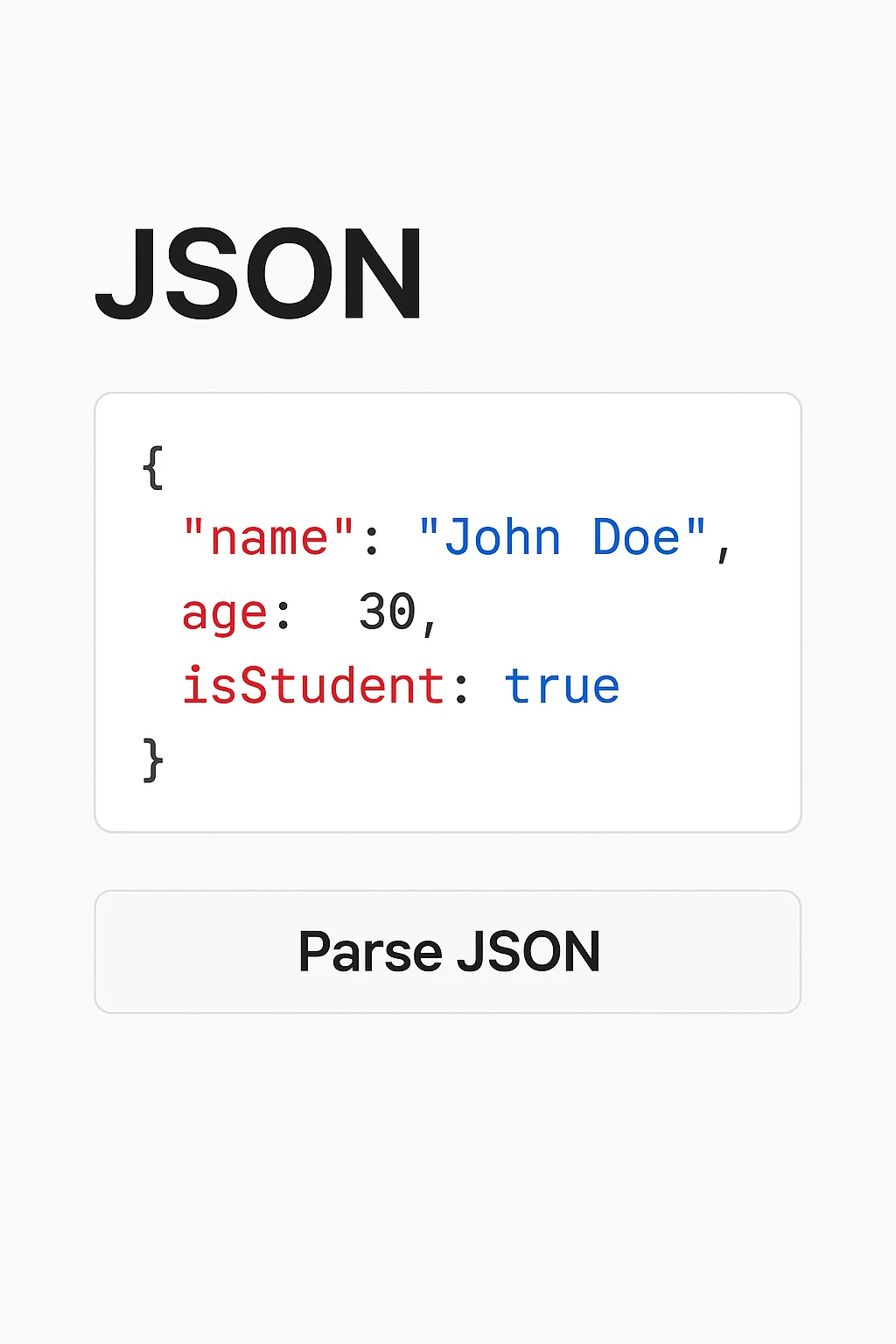
Parse and explore JSON data with an interactive tree view. Navigate nested structures, view data types, and copy values instantly.
✓ Interactive Tree View✓ Data Type Display✓ Copy Any Value✓ Free Tool
Key Features
Interactive Tree View
Navigate through complex JSON structures with an expandable/collapsible tree interface.
Data Type Indicators
Instantly see the type of each value with color-coded badges (string, number, boolean, etc.).
Quick Copy
Copy any value directly from the tree with a single click for easy reuse.
JSON Statistics
View comprehensive stats including depth, size, number of keys/items, and structure type.
How to Use
1
Paste JSON
Enter your JSON data in the editor
2
Click Parse
Press parse to generate tree view
3
Explore Structure
Click arrows to expand/collapse nodes
4
Copy Values
Hover and click copy on any value